Connect Amazon Seller Central to Grok
To connect Amazon Seller Central to Grok, add AgentXray as a custom connector on grok.com/connectors with the server URL https://agentxray.ai/api/mcp and approve on the AgentXray consent screen. Grok can then read your own orders, fees, settlements, stock and ads, and draft changes that wait for your approval. Figures come from the settlement events Amazon posted to your account, not from a fee estimator, and every answer carries its basis and its gaps.
New to MCP? What an Amazon MCP is, and which servers exist.
14-day free trial, card required, cancel anytime. Then $29 a month with every feature. Create an account and connect · Pricing
AgentXray is available on the Selling Partner Appstore. The Selling Partner Appstore is a one-stop-shop where the small and medium-sized businesses that sell on Amazon can easily discover quality applications to help them automate, manage and grow their business.
Set it up in four steps
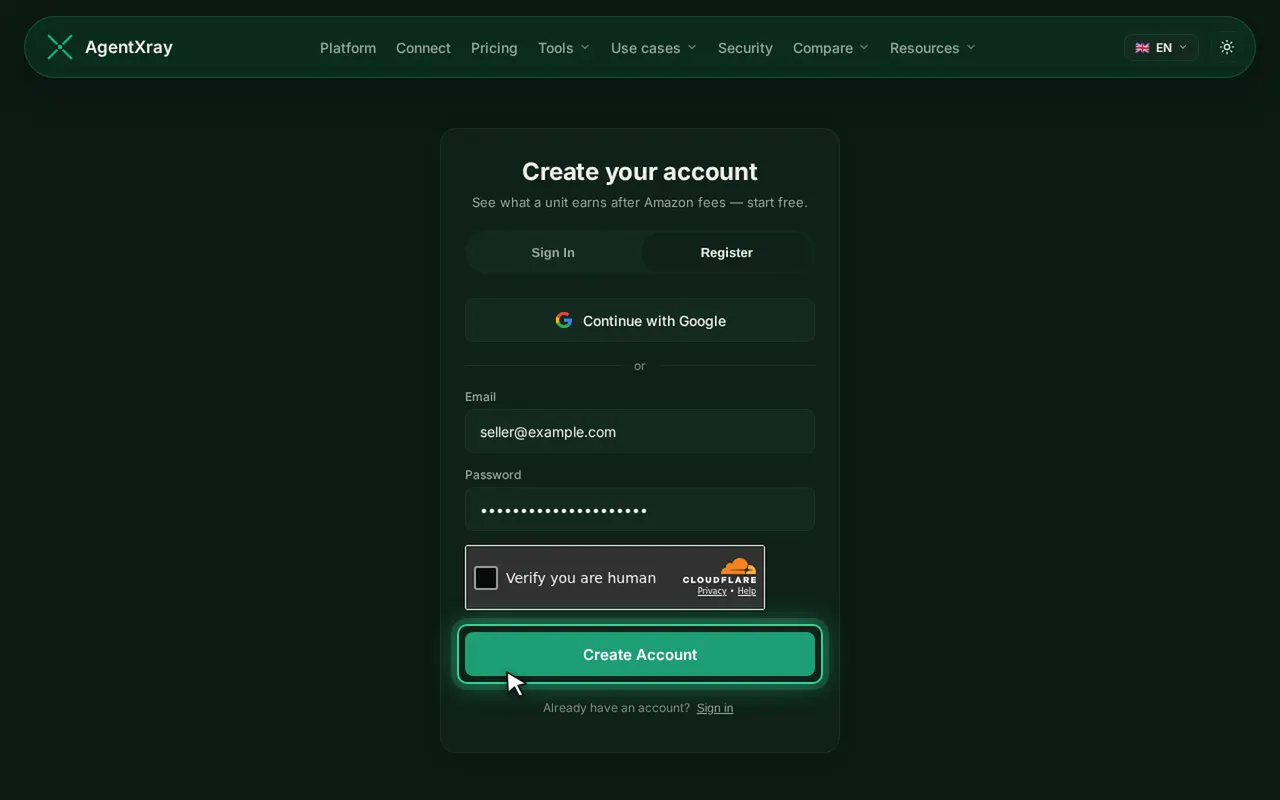
- Create an AgentXray account.
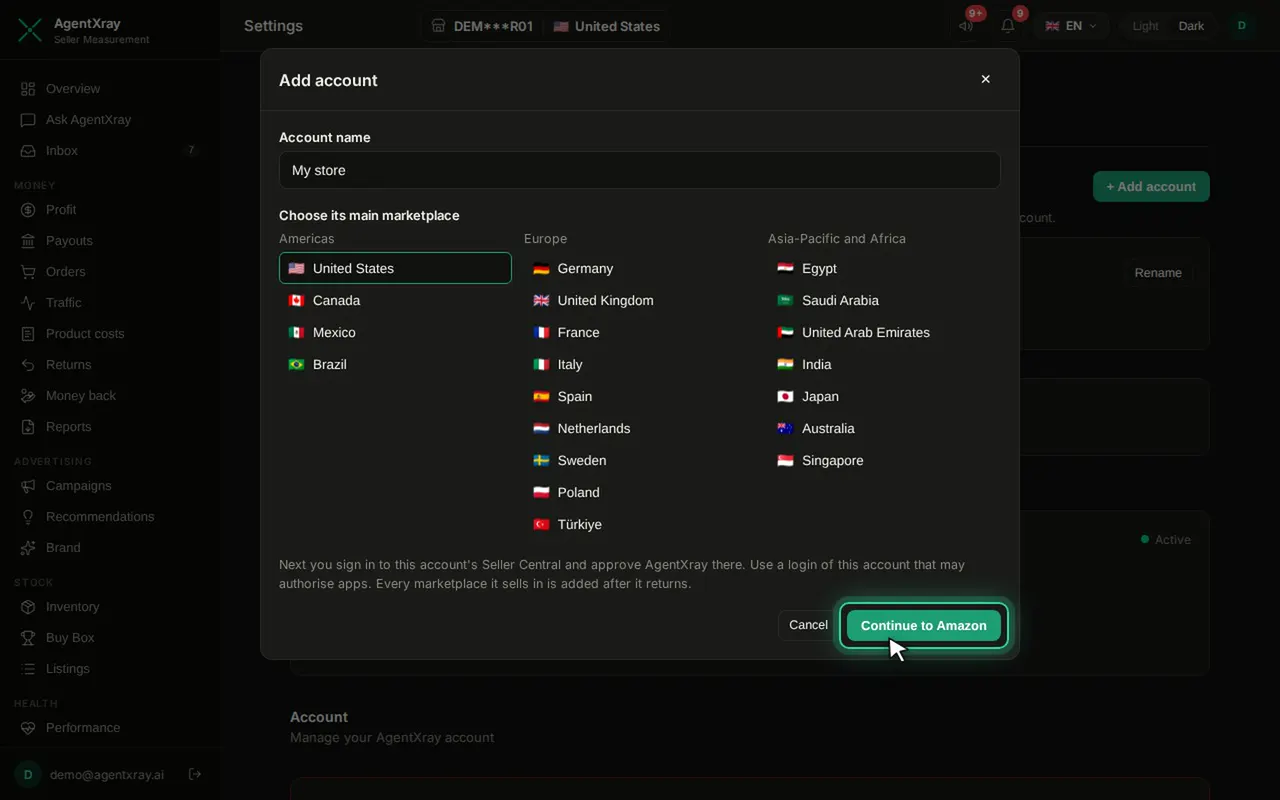
- Connect Seller Central — one Amazon login. AgentXray reads orders, fees and settlements over SP-API.
- In Grok, open
grok.com/connectors, press the new-connector button at the top right and choose the custom option. Give it a name, for example AgentXray, and enter the server URL:https://agentxray.ai/api/mcp - Grok opens the AgentXray consent screen in a pop-up window. Approve there, and tick "Also let it prepare drafts" if you want Grok to draft changes for your approval. AgentXray then appears under connected connectors, and you can ask in a normal chat, for example: which of my SKUs is losing money?
These steps were walked on 2026-11-11 on a free Grok account, signed in to AgentXray's demo store: the connector was added, the consent was approved in the pop-up, and Grok answered the question about losing SKUs from the get_profit_by_sku tool.
Grok's interface was in Turkish when we walked it, so we describe the buttons rather than quote their English labels. The consent screen opens as a pop-up; if nothing opens, allow pop-ups for grok.com and add the connector again.
What you can ask
- Profit and fees — what a unit actually earned after the referral, FBA and storage amounts Amazon posted; break-even price; net contribution by SKU.
- Advertising — spend, search terms, placements and negatives, judged against that product's measured contribution rather than an ACoS target.
- Inventory and Buy Box — stock age, restock timing, and who holds the Buy Box right now.
- Listings — what is live, what is suppressed, and which issues Amazon is reporting against it.
Ask what_i_cannot_tell_you first. It reports the measured limits of your own data — which marketplaces are connected, how far the settlement history reaches, what is missing — before you draw a conclusion from a number.
Things worth asking
- How did today go?
- What did I actually make on Amazon in the last 30 days — and what is NOT included in that number?
- Which of my SKUs is losing money right now?
- Where am I losing the Buy Box, and by how much?
- Is any of my FBA stock heading toward long-term storage fees?
- Is my account healthy, and is any listing broken?
- Did Amazon receive everything in my last shipment?
- Which product loses money on ads?
- How much should I trust these numbers?
That last one is answered by a tool we're fairly sure no other Amazon connector ships: what_i_cannot_tell_you — the measured limits of your own data, stated before you draw conclusions.
What it can draft, and who approves it
Of the 81 tools, 56 only read and 7 remember your goals, rules and follow-ups inside AgentXray. The other 18 write nothing to Amazon: they file a draft — a bid, a budget, a negative keyword, a campaign state, a listing edit, a shipment — into an approval queue you open in your browser.
The separation is structural, not a policy we promise to follow. The connector token that files the draft cannot authenticate against the approval endpoint; it is refused with a 401. An assistant that has been talked into approving its own draft still cannot, because the credential it holds is not accepted there.
Every tool, by name
The names your assistant calls, grouped as in the MCP tool reference. Read tools only read; draft tools file a proposal you approve.
Start here: what_can_you_do, daily_brief, list_my_marketplaces, list_my_accounts, what_i_cannot_tell_you
Profit and products: get_profit_summary, get_profit_by_sku, get_payout_balance, get_sku_trend, get_bsr_history, get_traffic_and_conversion, get_my_product_costs
Stock and Buy Box: get_reorder_plan, get_stock_history, get_inventory_age, get_inventory_reconciliation, get_buybox_status, get_price_to_win
Account, shipments and listings: get_account_health, get_amazon_action_items, get_inbound_shipments, get_listing_issues, get_listing_fix_plan, get_listing_images, get_orders, get_returns, get_review_requests
Promotions: get_promotions, get_promotion_results
Advertising: get_ads_overview, get_ads_today, get_ad_group_profit, get_ads_by_product, get_ads_search_term_verdicts, get_ads_campaigns, get_ads_targets, get_ads_search_terms, get_ads_placements, get_ads_daily_series, get_ads_negatives, get_amazon_bid_recommendations, get_ads_recommendations, get_tacos, get_product_target_performance, get_sponsored_brands, get_sponsored_display
Brand: get_my_brands, get_brand_search_terms, get_brand_keyword_gaps, get_search_term_history, get_search_query_performance, get_aplus_status, get_competitors
Your changes: get_my_changes, did_my_changes_work, get_change_scorecard
Memory and follow-ups: recall, get_follow_ups, remember, forget, schedule_follow_up, complete_follow_up, save_product_cost
Listings, prices and shipments: draft_listing_update, draft_listing_fixes, draft_price_change, draft_image_swap, draft_create_listing, draft_shipment_plan, draft_review_requests
Advertising: draft_bid_change, draft_target_state, draft_product_ad_state, draft_negative_keyword, draft_budget_change, draft_campaign_state, draft_placement_modifier, draft_create_campaign, draft_add_keywords, draft_add_product_targets, draft_create_product_ad
What we never see
- Buyer names and addresses do not reach us at all. AgentXray holds no Amazon PII role, so that data is never sent. This is a smaller claim than logging access to it, and a stronger one.
- Row-level security, not a filtered query. The request path connects as a database role that cannot bypass it, so a session that has not declared whose data it is reads nothing rather than everyone’s. A live cross-account attempt on 2026-08-29 could not write across the boundary.
- Least privilege. The application role holds no superuser rights and cannot alter the schema.
Two things we are not claiming, because we have not measured them: an annual third-party penetration test, and encryption-at-rest attestation from the hosting provider. Both are outstanding, and a trust page that listed them anyway would be the first thing worth distrusting.
Questions about connecting Seller Central to Grok
How do I connect Amazon Seller Central to Grok?
Create an AgentXray account and connect Seller Central with one Amazon login. Then open grok.com/connectors, add a custom connector with the server URL https://agentxray.ai/api/mcp, and approve on the AgentXray consent screen that opens in a pop-up. Nothing to install and no token to paste.
Does it work on a free Grok account?
It did when we walked it on 2026-11-11: the account we used was on Grok's free plan, the custom connector was accepted and the first question was answered from our tools. xAI can change what each plan includes, so we state what we measured and the date.
Can Grok change my listings, prices or bids?
Not on its own. If you allow drafting on the consent screen, Grok can propose a change, such as a bid, a budget, a price or listing copy. The proposal waits in AgentXray until you approve it in your browser; the token Grok holds cannot approve. Approved changes are followed for 14 days and can be undone.
Does Grok see my Amazon password?
No. You sign in to Amazon once, on Amazon's own page, when you connect Seller Central to AgentXray. Grok receives a token for AgentXray's tools only, and you can revoke it at any time under Settings → AI Assistant.
What does it cost?
On the AgentXray side, connecting your own Seller Central account needs a plan from $29/month, and every seller plan starts with a 14-day free trial. The Grok side cost nothing in our walk.
Using Claude? · Using ChatGPT? · Amazon MCP servers compared · Every MCP tool